Split View
A split view shows two views side by side, or one above the other, separated by a handle which the user can drag to change the ratio. Bind the ratio to a state to keep it across renders or to set it from code.
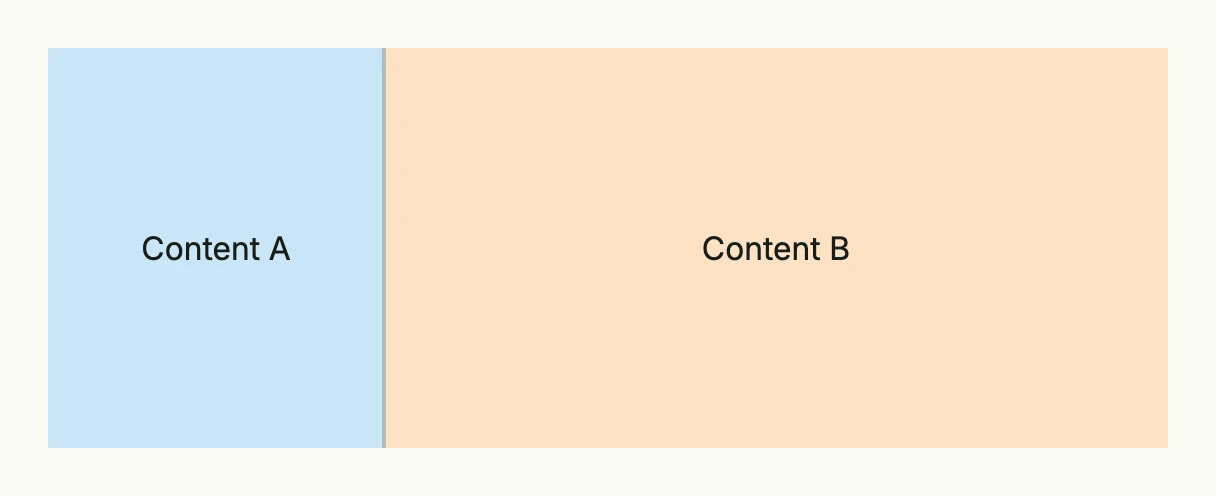
ratio := core.AutoState[float64](wnd).Init(func() float64 {
	return 0.3
})

return SplitView(
	VStack(Text("Content A")).BackgroundColor("#C9E7F8").Frame(Frame{}.FullWidth().FullHeight()),
	VStack(Text("Content B")).BackgroundColor("#FDE2C4").Frame(Frame{}.FullWidth().FullHeight()),
).InputValue(ratio).
	MinRatio(0.2).
	MaxRatio(0.8).
	Frame(Frame{}.Size(L560, L200))
The ratio is the share of the first view, between 0 and 1; the default is 0.5.
Constructors
| Constructor | Description |
|---|---|
SplitView(contentA core.View, contentB core.View) TSplitView | Creates a horizontal split view with contentA on the left (or top) and contentB on the right (or bottom). |
Methods
| Method | Description |
|---|---|
ContentA(contentA core.View) TSplitView | Replaces the left or top view. |
ContentB(contentB core.View) TSplitView | Replaces the right or bottom view. |
Frame(frame Frame) TSplitView | Sets the frame of the split view. |
InputValue(state *core.State[float64]) TSplitView | Binds the ratio to a state which is updated when the user drags the handle. |
MaxRatio(maxRatio float64) TSplitView | Sets the upper limit of the ratio. |
MinRatio(minRatio float64) TSplitView | Sets the lower limit of the ratio. |
Orientation(orientation SplitViewOrientation) TSplitView | Sets SplitViewOrientationHorizontal (default) or SplitViewOrientationVertical. |
Value(value float64) TSplitView | Sets the ratio if no state is bound. |
Related
- TwoColumn, ScrollView
- Tutorials: Split view