Background
A Background paints a stack of layers behind the content of a VStack or
HStack: linear gradients and images. Each appended layer is drawn on top of the previous
ones, so add the image first and a gradient for readability afterwards. For a plain color use BackgroundColor
instead.
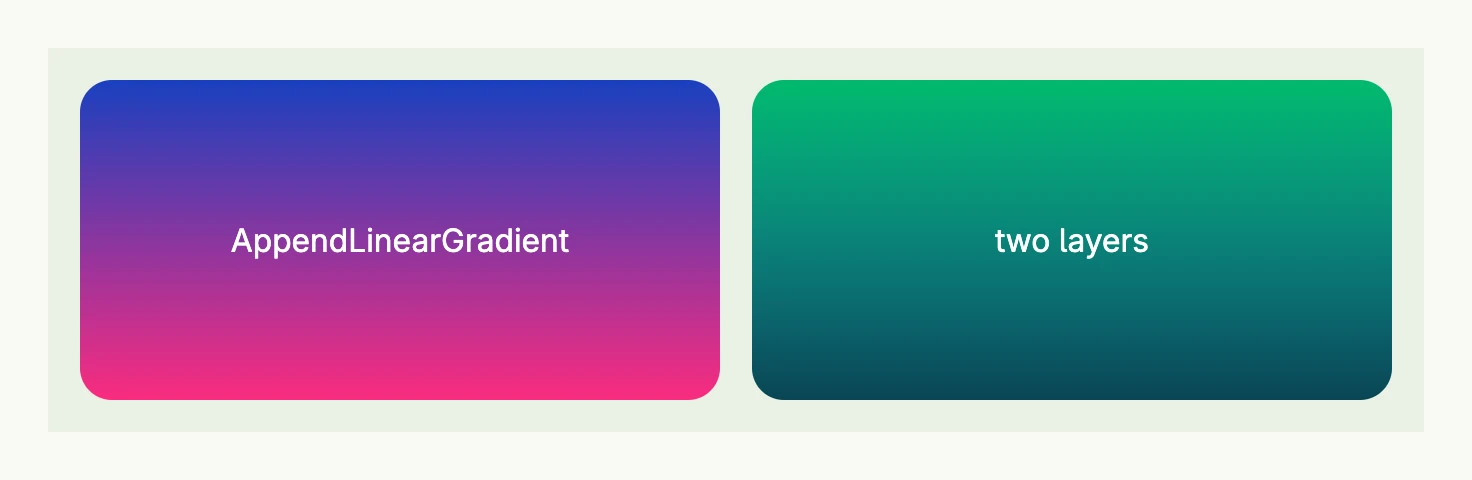
return HStack(
	VStack(Text("AppendLinearGradient").Color(ColorWhite)).
		Background(Background{}.AppendLinearGradient("#1940BF", "#FA2C7F")).
		Frame(Frame{}.Size(L320, L160)).
		Border(Border{}.Radius(L16)),
	VStack(Text("two layers").Color(ColorWhite)).
		Background(Background{}.
			AppendLinearGradient("#01BA6C", "#1CCDFB").
			AppendLinearGradient("#00000000", "#000000AA"),
		).
		Frame(Frame{}.Size(L320, L160)).
		Border(Border{}.Radius(L16)),
).Gap(L16).BackgroundColor(ColorCardBody).Padding(Padding{}.All(L16))
The gradients run from top to bottom. Theme colors like M5 can be used as gradient colors as well.
Methods
| Method | Description |
|---|---|
AppendLinearGradient(colors ...Color) Background | Appends a gradient equally distributed between all given colors on top of the prior layers. |
AppendURI(uri core.URI) Background | Appends the image at the given URI on top of the prior layers. |
Fit(fit ObjectFit) Background | Sets how images are fitted, e.g. FitCover or FitContain. |
Related
- Color, Stack
- Tutorials: Background