Navigation
Root views
A page of a Nago application is called a root view. You register each one with a path and a factory:
cfg.RootView(".", func(wnd core.Window) core.View { ... })            // the start page at /
cfg.RootView("orders", func(wnd core.Window) core.View { ... })       // /orders
cfg.RootView("orders/details", func(wnd core.Window) core.View { ... }).is the start page. Other paths must not start or end with a slash.- Paths become part of the URL. Users bookmark them, so treat them as a public contract.
- There are no path variables. Pass parameters as
core.Values, amap[string]string, which appear as query parameters in the URL and which the target page reads withwnd.Values(). - Registering the same path twice panics.
cfg.RootView accepts options; application.Purpose("review and settle open invoices") describes in one
sentence what a user does on the page, which the AI assistant uses as context.
Navigating
wnd.Navigation() returns the core.Navigation of the window:
| Method | Effect |
|---|---|
ForwardTo(path, values) | opens another root view and adds it to the browser history |
Back() | goes back in the history |
Replace(path, values) | opens another root view and replaces the current history entry |
ResetTo(path, values) | opens another root view and resets the history |
Reload() | reloads the current page |
Open(uri) | opens an external resource, e.g. a URL in a new tab |
cfg.RootView(".", func(wnd core.Window) core.View {
	return ui.PrimaryButton(func() {
		wnd.Navigation().ForwardTo("hello", core.Values{"msg": "world"})
	}).Title("go to hello")
})

cfg.RootView("hello", func(wnd core.Window) core.View {
	return ui.Text("your message is " + wnd.Values()["msg"])
})
Values are visible and editable in the URL. Never trust them: check permissions in your use cases, not by hiding links.
Decorators and the scaffold
Most applications show the same frame around each page: a logo, a menu, a login button and a footer. In Nago,
this frame is a decorator, a func(wnd core.Window, view core.View) core.View which wraps the view of a root
view.
cfg.NewScaffold() builds the standard decorator. Set it as the application decorator and register your pages
with RootViewWithDecoration, which is short for RootView(path, cfg.DecorateRootView(factory)):
cfg.SetDecorator(cfg.NewScaffold().
	Logo(ui.Image().Embed(heroSolid.AcademicCap).Frame(ui.Frame{}.Size(ui.L96, ui.L96))).
	MenuEntry().Title("Orders").Forward("orders").Private().
	MenuEntry().Title("Reports").Forward("reports").OneOf(PermReadReports).
	Decorator())

cfg.RootViewWithDecoration(".", func(wnd core.Window) core.View { ... })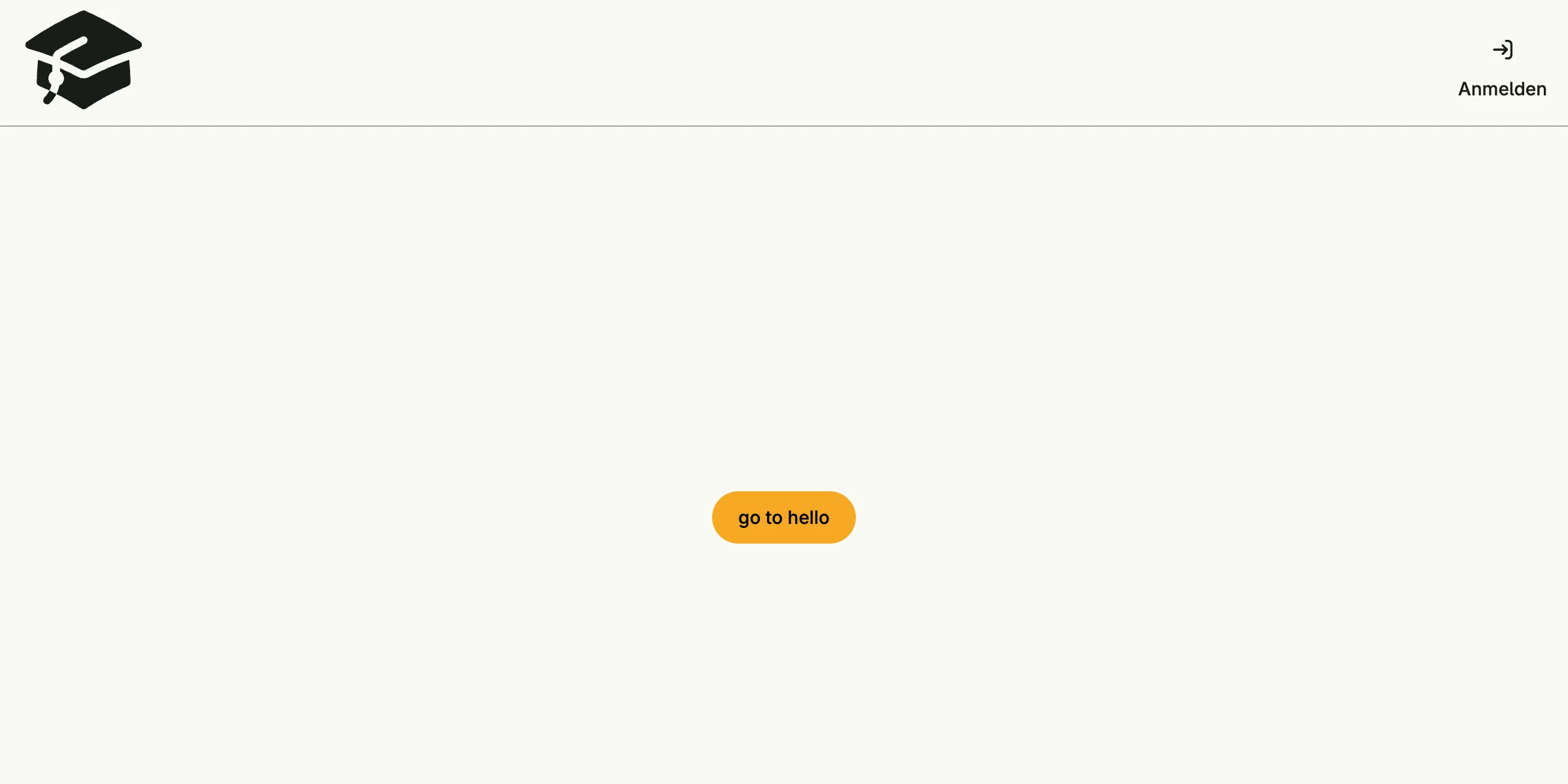
Each MenuEntry() is configured with Title, Icon, Forward or Action and completed by its visibility:
| Method | The entry is visible for |
|---|---|
Public() | everybody |
PublicOnly() | users which are not logged in |
Private() | users which are logged in |
OneOf(perms…) | users with at least one of the given permissions |
OneOfRole(…) | users with at least one of the given roles |
SubmenuEntry creates a sub menu. The scaffold also shows the login or profile button (switch it off with
Login(false)), a link to the admin center for users who may see it, and a footer. Breakpoint sets the window
width below which the menu collapses into a burger menu.
The pages of the built-in systems, like the admin center or the login page, use the same decorator. If you want full control in a single page instead, build the layout yourself with the Scaffold component, see tutorial-17-scaffold.