Chatbot
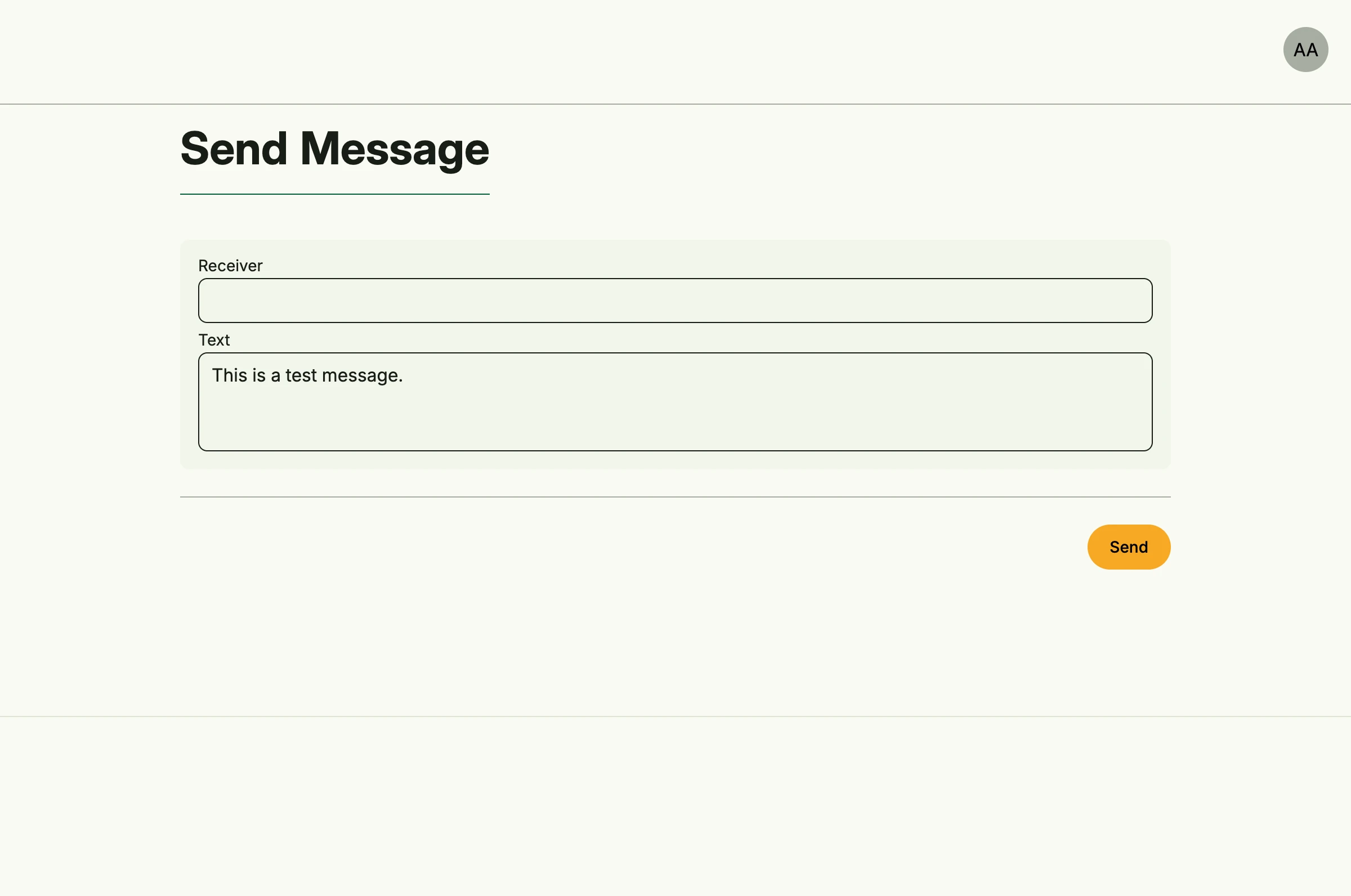
How to enable the chatbot system and show its send page. To actually send messages, configure a chatbot provider in the admin center.
package main

import (
	"time"

	"github.com/worldiety/option"
	"go.wdy.de/nago/application"
	cfgchatbot "go.wdy.de/nago/application/chatbot/cfg"
	uichatbot "go.wdy.de/nago/application/chatbot/ui"
	"go.wdy.de/nago/presentation/core"
	"go.wdy.de/nago/web/vuejs"
)

func main() {
	application.Configure(func(cfg *application.Configurator) {
		cfg.SetApplicationID("de.worldiety.tutorial_82")
		cfg.Serve(vuejs.Dist())

		option.MustZero(cfg.StandardSystems())
		option.Must(option.Must(cfg.UserManagement()).UseCases.EnableBootstrapAdmin(time.Now().Add(time.Hour), "%6UbRsCuM8N$auy"))
		cfg.SetDecorator(cfg.NewScaffold().
			Decorator())

		messages := option.Must(cfgchatbot.Enable(cfg))

		cfg.RootViewWithDecoration(".", func(wnd core.Window) core.View {
			return uichatbot.PageSend(wnd, messages.UseCases)
		})
	}).Run()
}
View on GitHub ↗
· run it with go run go.wdy.de/nago/example/cmd/tutorial-82-chatbot@latest