Background
How to combine a background image with a linear gradient using ui.Background.
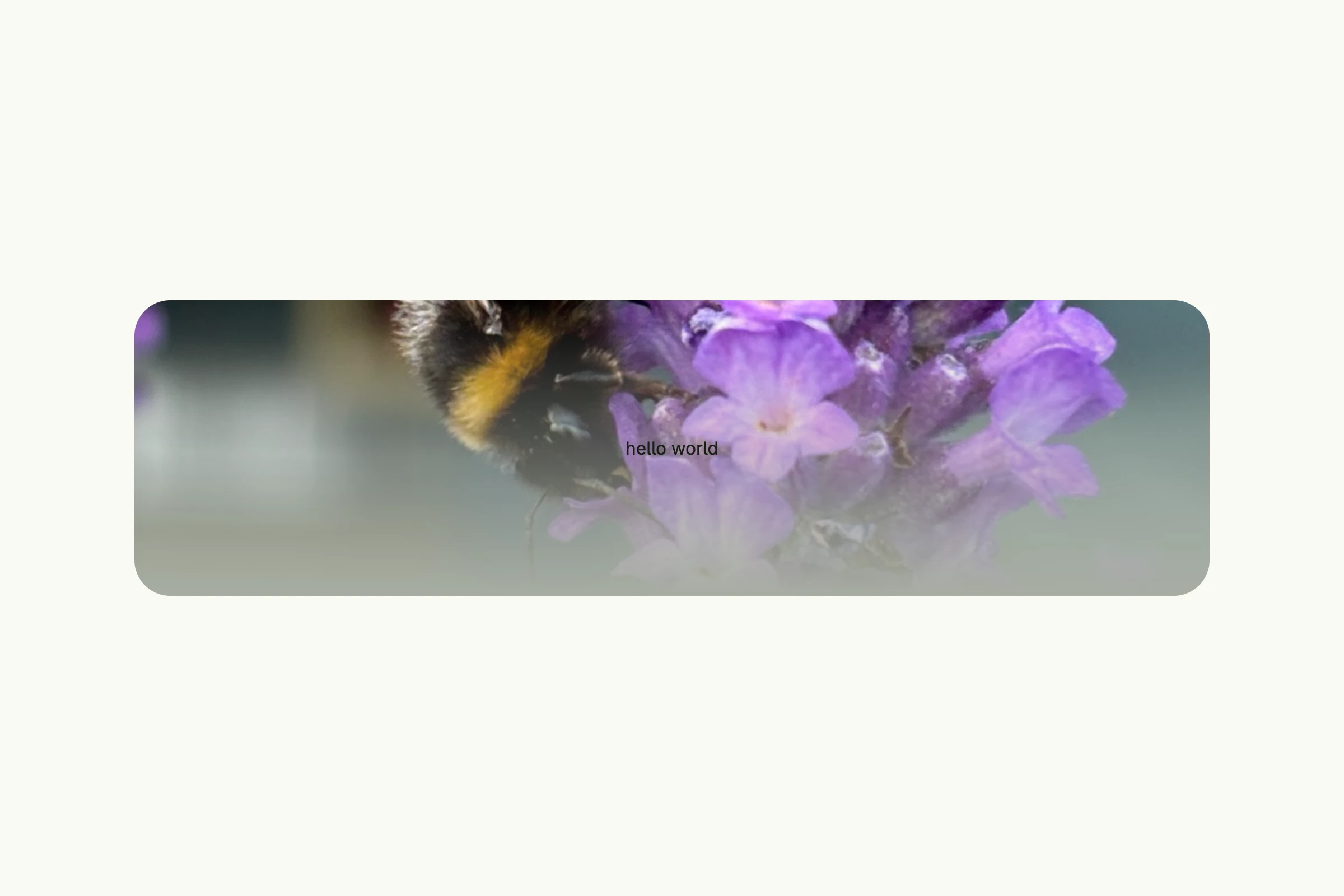
// main denotes an executable go package. If you don't know, what that means, go through the Go Tour first.
package main

import (
	_ "embed"

	"go.wdy.de/nago/application"
	"go.wdy.de/nago/presentation/core"
	"go.wdy.de/nago/presentation/ui"
	"go.wdy.de/nago/web/vuejs"
)

//go:embed hummel.jpg
var hummelData application.StaticBytes

// the main function of the program, which is like the java public static void main.
func main() {
	// we use the applications package to bootstrap our configuration
	application.Configure(func(cfg *application.Configurator) {
		cfg.SetApplicationID("de.worldiety.tutorial_01")
		cfg.Serve(vuejs.Dist())

		huri := cfg.Resource(hummelData)

		cfg.RootView(".", func(wnd core.Window) core.View {
			return ui.VStack(

				ui.VStack(
					ui.Text("hello world"),
				).Background(ui.Background{}.
					Fit(ui.FitCover).
					AppendURI(huri).
					AppendLinearGradient("#00000000", ui.M5),
				).
					Frame(ui.Frame{Width: ui.Full}).
					Border(ui.Border{}.Radius(ui.L32)).
					Padding(ui.Padding{}.All(ui.L120)),
			).Padding(ui.Padding{}.All(ui.L120)).
				Frame(ui.Frame{}.MatchScreen())
		})
	}).
		// don't forget to call the run method, which starts the entire thing and blocks until finished
		Run()
}
View on GitHub ↗
· run it with go run go.wdy.de/nago/example/cmd/tutorial-83-background@latest