Your First App
This page walks you through tutorial-01-helloworld, the smallest complete Nago application.
The code
Put the following into main.go of the module you created during installation:
// main denotes an executable go package. If you don't know, what that means, go through the Go Tour first.
package main

import (
	"go.wdy.de/nago/application"
	"go.wdy.de/nago/presentation/core"
	. "go.wdy.de/nago/presentation/ui"
	"go.wdy.de/nago/web/vuejs"
)

// the main function of the program, which is like the java public static void main.
func main() {
	// we use the applications package to bootstrap our configuration
	application.Configure(func(cfg *application.Configurator) {
		cfg.SetApplicationID("de.worldiety.tutorial_01")
		cfg.Serve(vuejs.Dist())

		cfg.RootView(".", func(wnd core.Window) core.View {
			return VStack(Text("hello world")).
				Frame(Frame{}.MatchScreen())
		})
	}).
		// don't forget to call the run method, which starts the entire thing and blocks until finished
		Run()
}
View on GitHub ↗
· run it with go run go.wdy.de/nago/example/cmd/tutorial-01-helloworld@latest
Configure
application.Configure creates the application and calls your function with an *application.Configurator.
Everything an application consists of is registered here: its identity, the frontend, the pages and the
systems you need. See Application and configurator.
Set the application ID
SetApplicationID gives the application a unique, reverse-DNS-like identifier such as com.example.myapp.
Nago uses it for the name of the data directory, so do not change it once your application stores data.
Serve the frontend
cfg.Serve(vuejs.Dist()) serves the compiled Vue.js frontend which is embedded in the Nago module. Without it,
the browser gets no user interface.
Register a root view
cfg.RootView(".", ...) registers the page for the path ., which is the start page at /. The factory gets the
core.Window of the browser tab and returns the view tree to display: a VStack with a Text, whose Frame
matches the screen so that the text is centered. Nago calls this factory again whenever the page must be
rendered, see Views and State and rendering.
Run
Run starts the web server and blocks until the process receives SIGINT or SIGTERM, e.g. by Ctrl+C.
The tutorial dot-imports go.wdy.de/nago/presentation/ui, so you can write VStack instead of ui.VStack.
Most tutorials do this; whether you do is a matter of taste.
Run it
go mod tidy
go run .
Open http://localhost:3000:
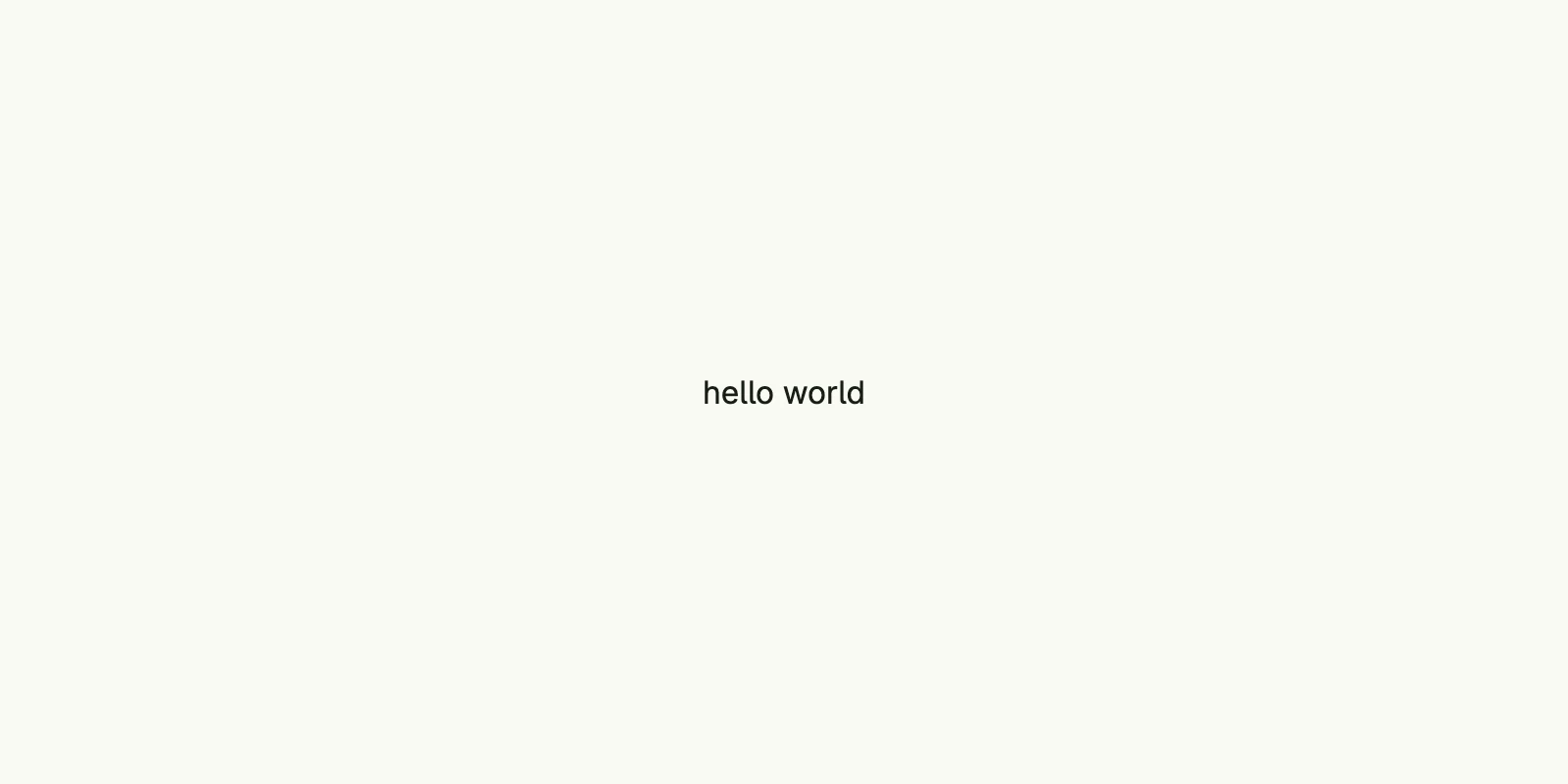
By default, the server listens on localhost port 3000. Set the environment variables HOST and PORT to
change this, e.g. PORT=8080 go run .. All settings are described in
Configuration and deployment.
Where your data lives
Even hello world gets a private data directory. Unless configured otherwise, it is
~/.nago/<application ID>, here ~/.nago/de.worldiety.tutorial_01. All stores, files and keys of your
application land there. Delete the directory to start from scratch. See
Persistence for its layout.
Next steps
- Read the Concepts to understand views, state, navigation and permissions.
- Browse the Components for the available building blocks.
- Enable built-in Systems like user management and the admin center.
- Learn from the Examples. Good next tutorials are combining views, buttons, text fields and root views.